
Excel workbook
Native .xlsx with a frozen header row, filters and real dates — opens directly in Excel.
Bring in the spreadsheets you already maintain, organize rulings with your own labels, and take the results back out to Excel.
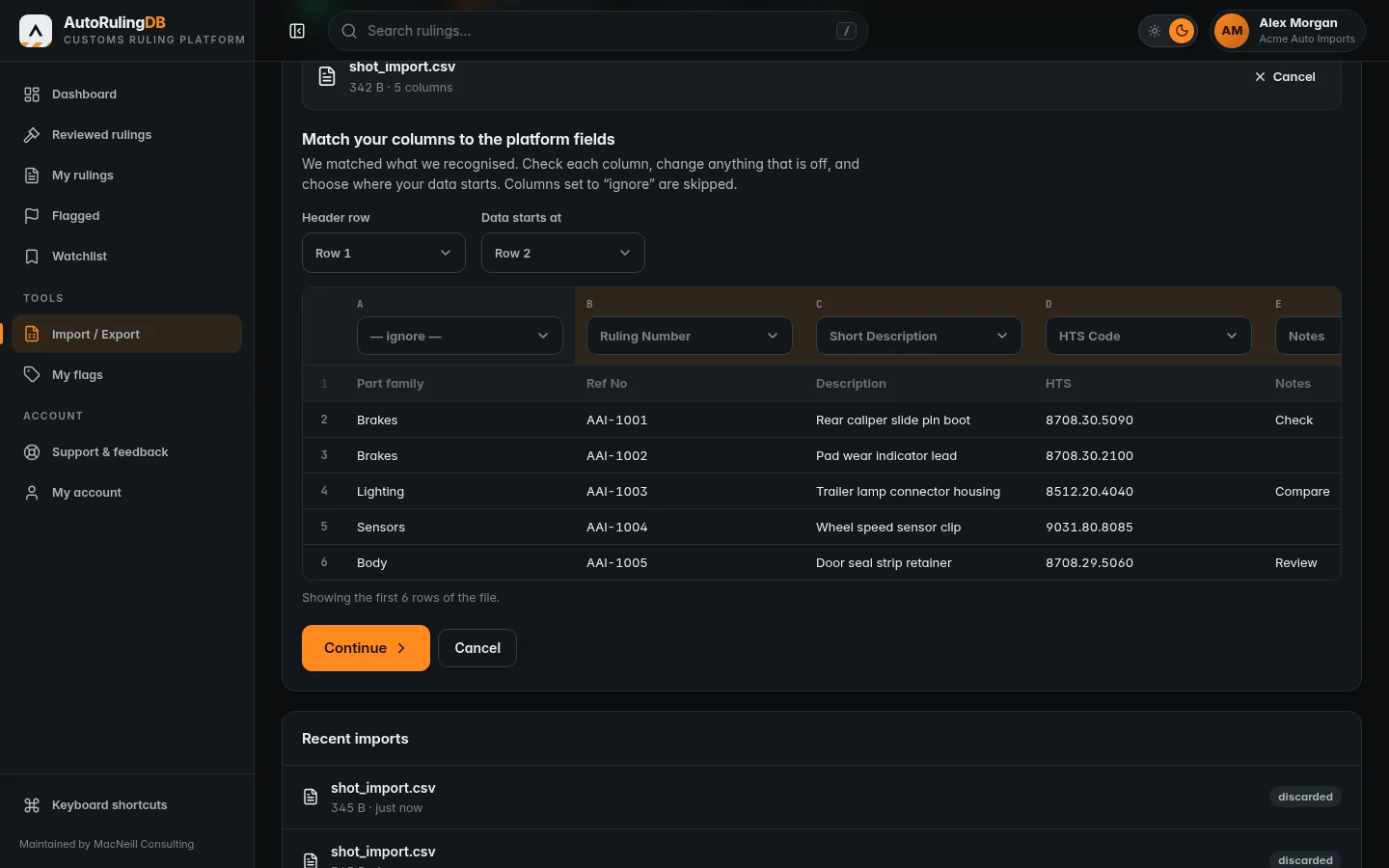
Upload an Excel workbook, CSV or Excel XML file. A preview of your first rows lets you match each column to the right field, choose the header row and where the data starts, and review every row before anything is imported.

Label rulings the way your team talks about them — by product family, customer, review status. Everything is private to your account, searchable, and available in bulk: select a page of results and flag or watch them in one action.
Export the whole library, or exactly what the current list or search shows — including your flags and keywords.
Native .xlsx with a frozen header row, filters and real dates — opens directly in Excel.
UTF-8 with readable dates, ready for any system that accepts a delimited file.
Download a blank template with the right columns, fill it in, and import it back.
Review the platform, or tell us about your team and we will arrange your membership.