
Curated ruling library
CBP binding rulings relating to automotive service parts and accessories — with HTS code, merchandise description and ruling date.
A curated ruling library, the analysis behind it, and a workspace that keeps your own decisions organized — in one interface that works on any device.
CBP binding rulings relating to automotive service parts and accessories — with HTS code, merchandise description and ruling date.
Written classification analysis and an Acceptable or Questionable opinion on each reviewed entry, with comparison to similar merchandise.
Phrases, OR, exclusions, wildcards, field filters, HTS shortcuts and spelling tolerance in a single search box.
Matching terms are highlighted in the list, so you can verify a result at a glance before opening it.
Label rulings with your own flags and keywords. Both are private to you and searchable with flag: and kw:.
Follow the rulings that matter to a product line or customer, directly from any list or from inside a ruling.
Keep standing queries — including their filters — and rerun them from the dashboard or the search page.
Select any number of rulings to watch, unwatch, flag or clear flags in one step.
Import from .xlsx, CSV or Excel XML with column matching. Export everything, or exactly what the current list or search shows.
Add custom rulings next to the reviewed library, searchable and exportable like any other entry.
Press / to search, arrow keys to move through results and between rulings, W to watch, ? for the full list.
Switch themes instantly. The interface remembers your choice on every device.
Both themes are designed, not inverted — legible in a dim warehouse or a bright office.
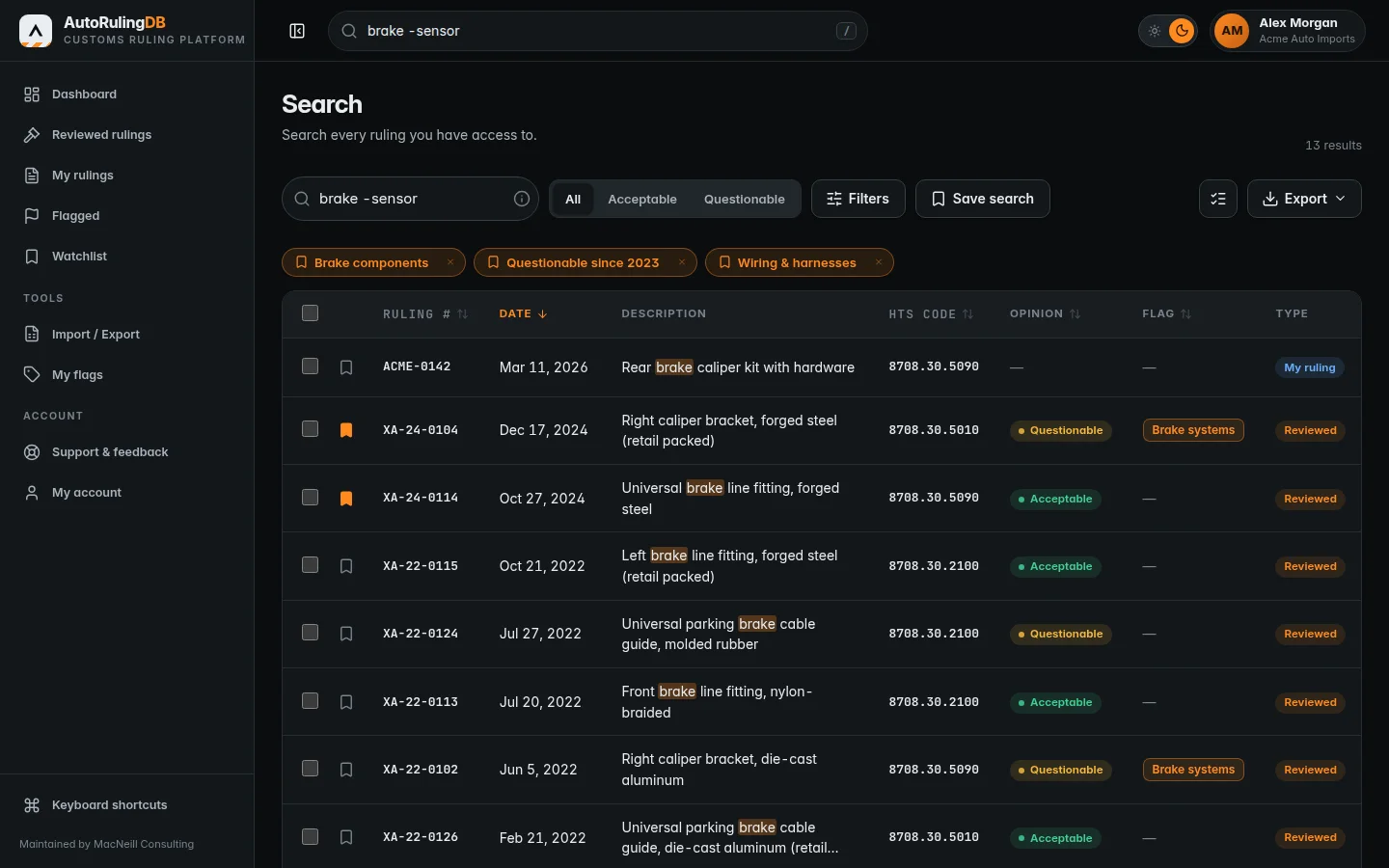
Dark theme
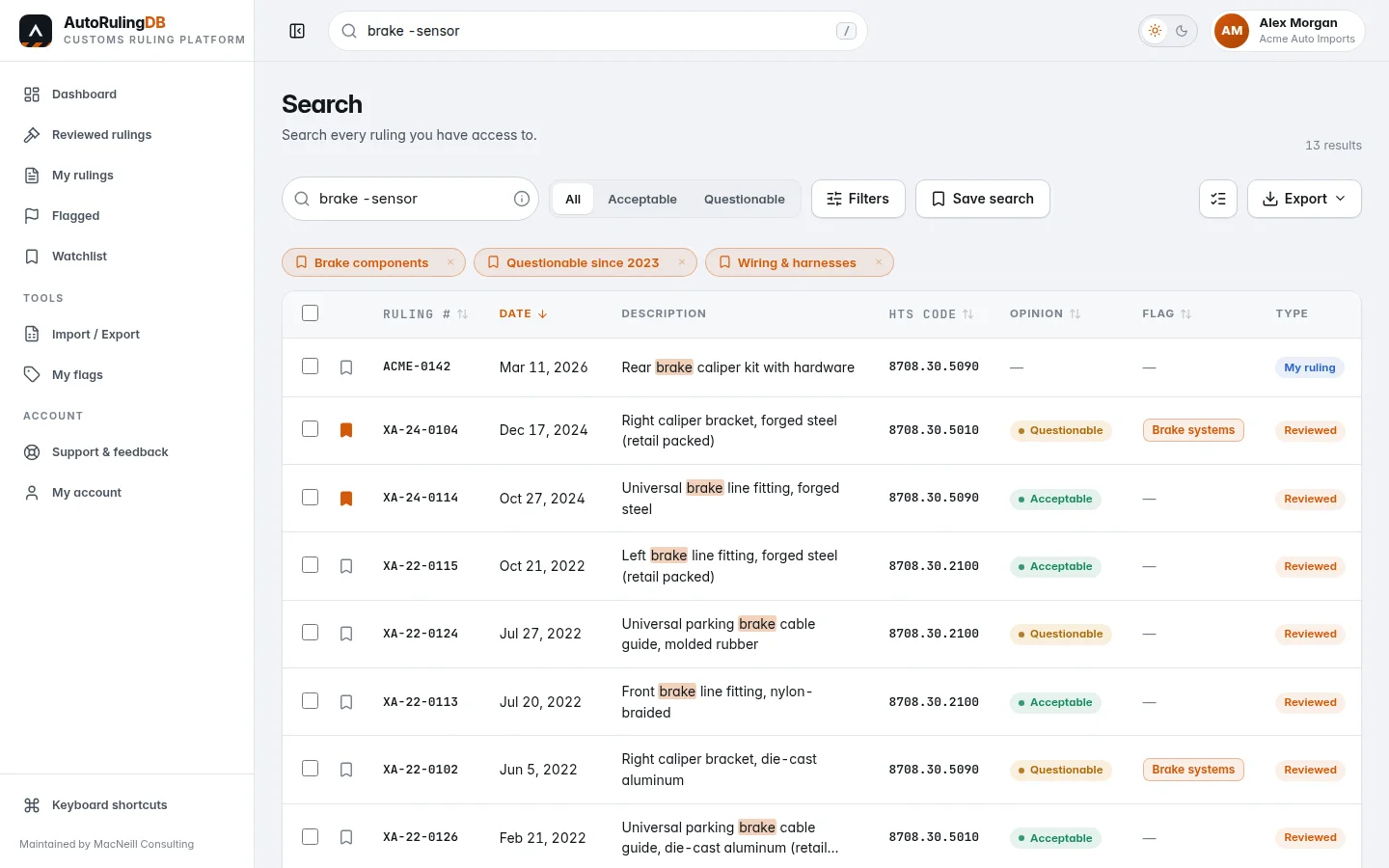
Light theme
Review the platform, or tell us about your team and we will arrange your membership.